From measured points to a building model
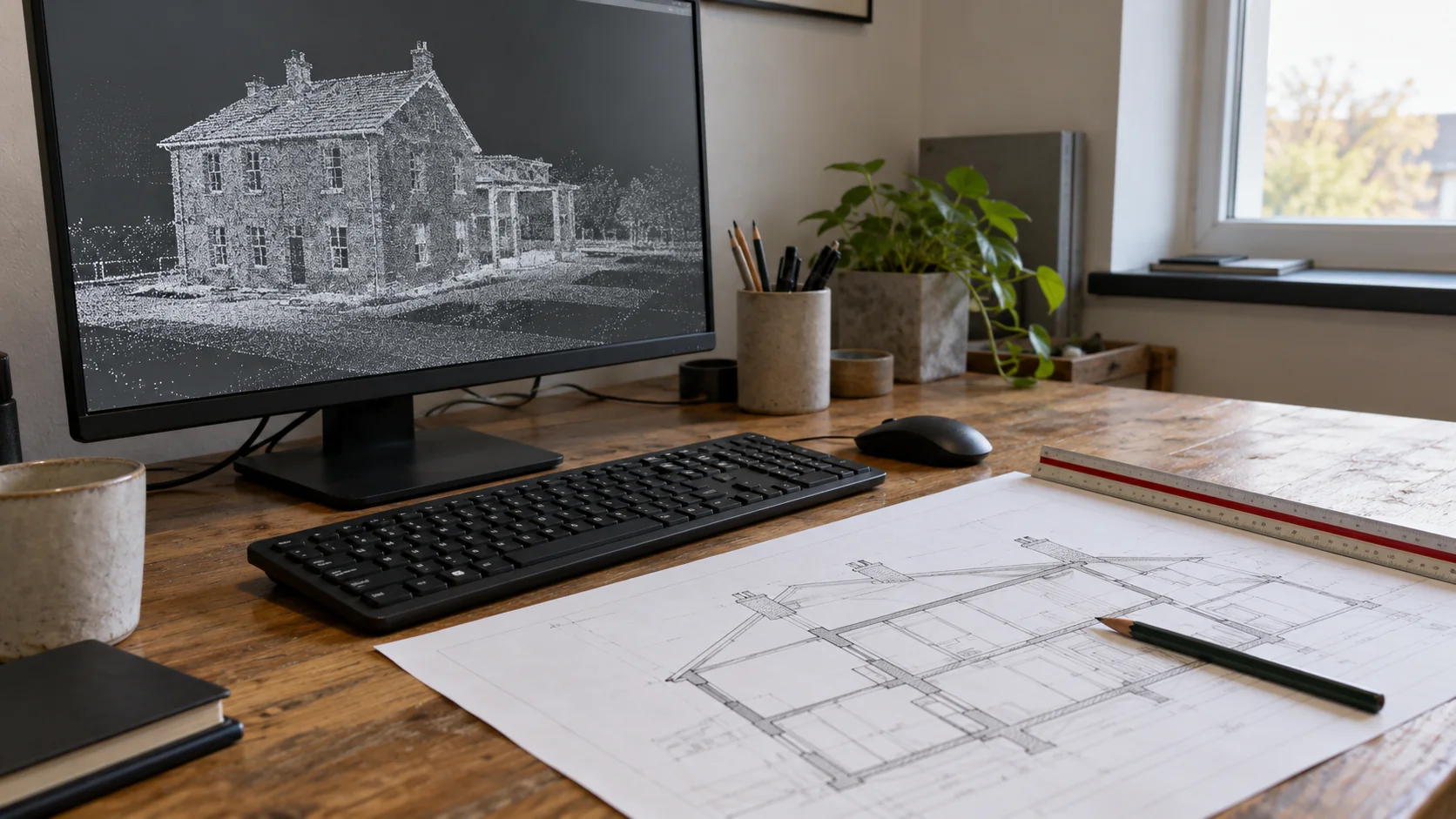
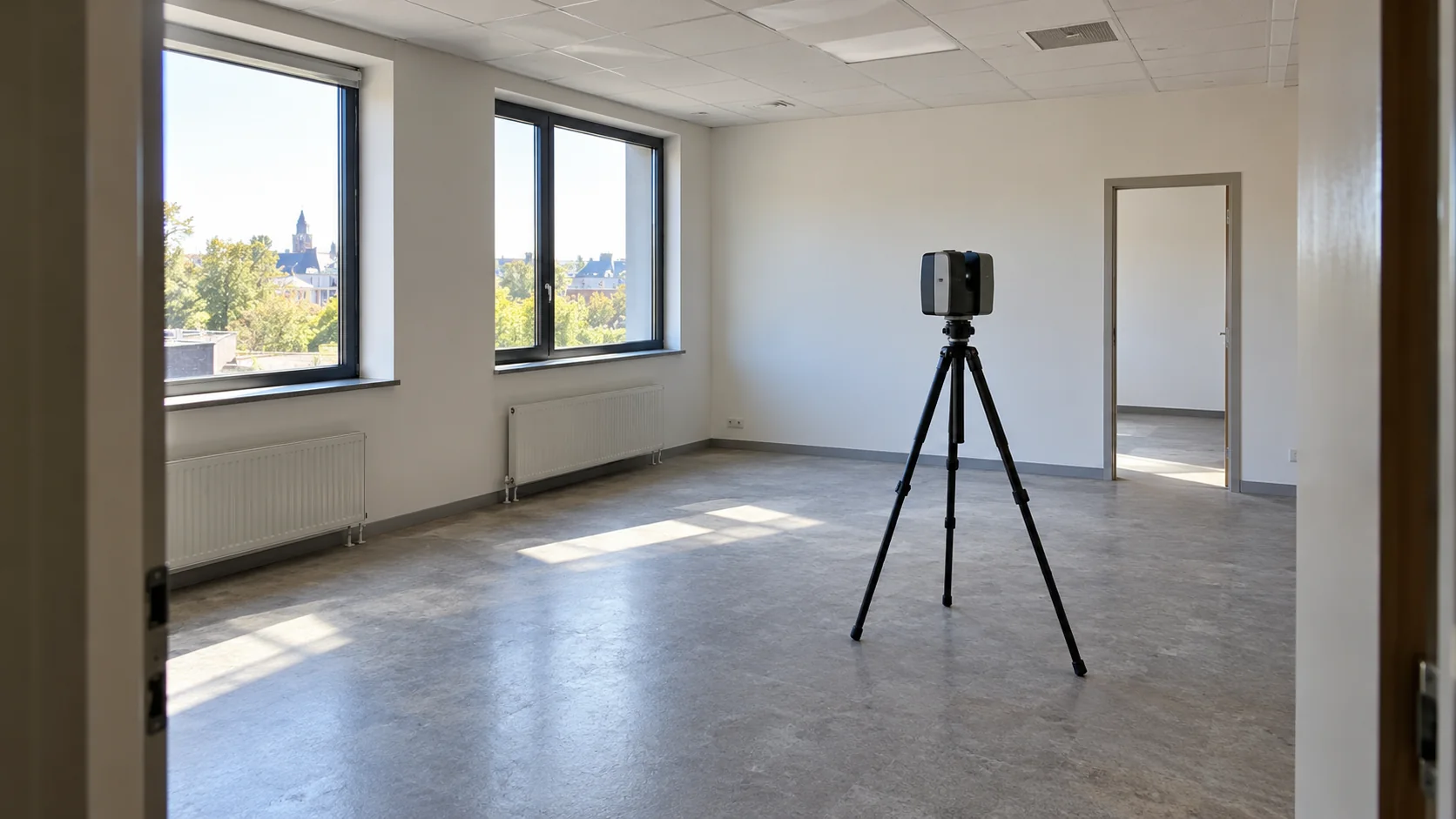
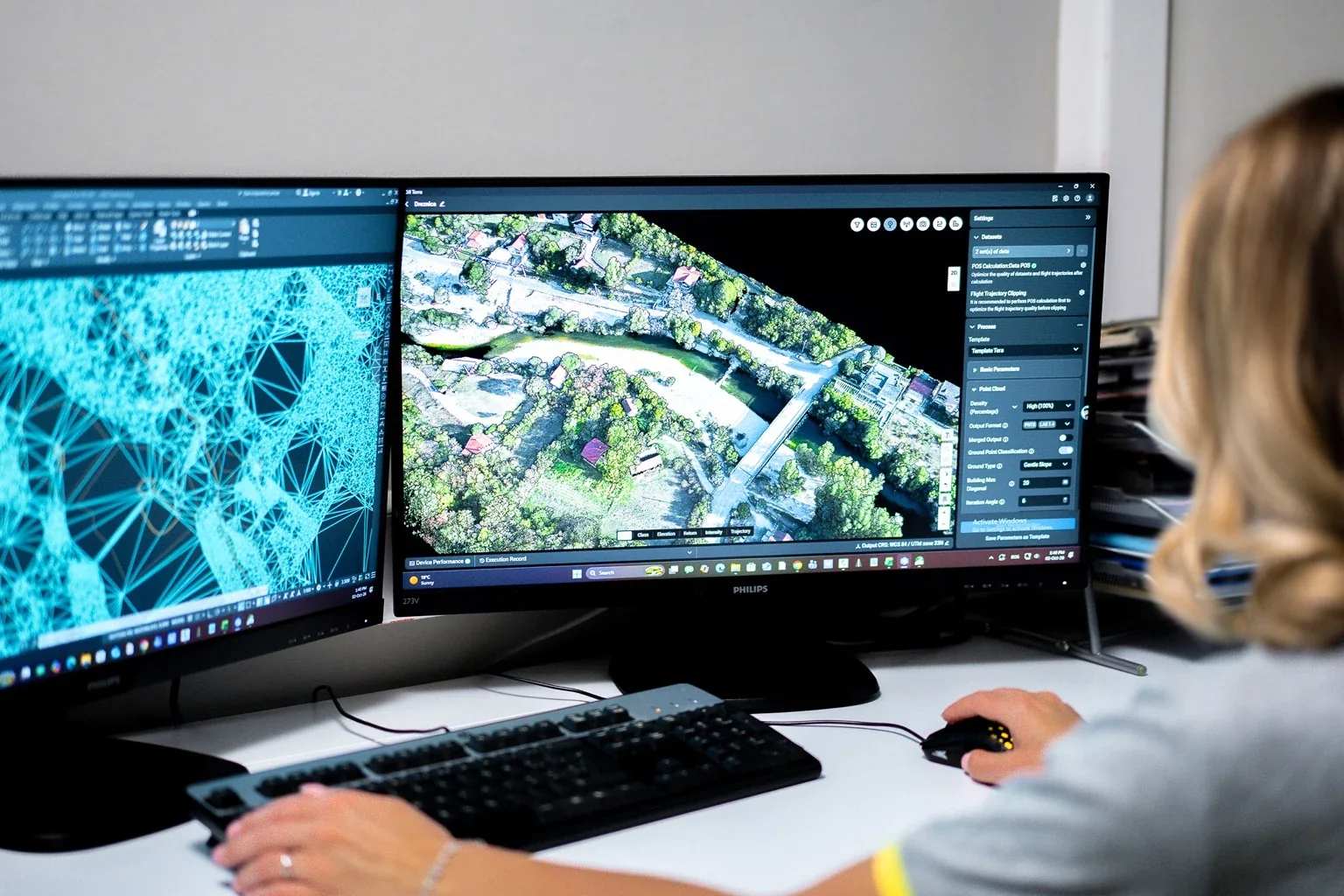
A laser scanner records visible surfaces as many measured points. Together, these points form a point cloud. Viewed on screen, the cloud shows the shape of the rooms, structure, and equipment captured during the survey.
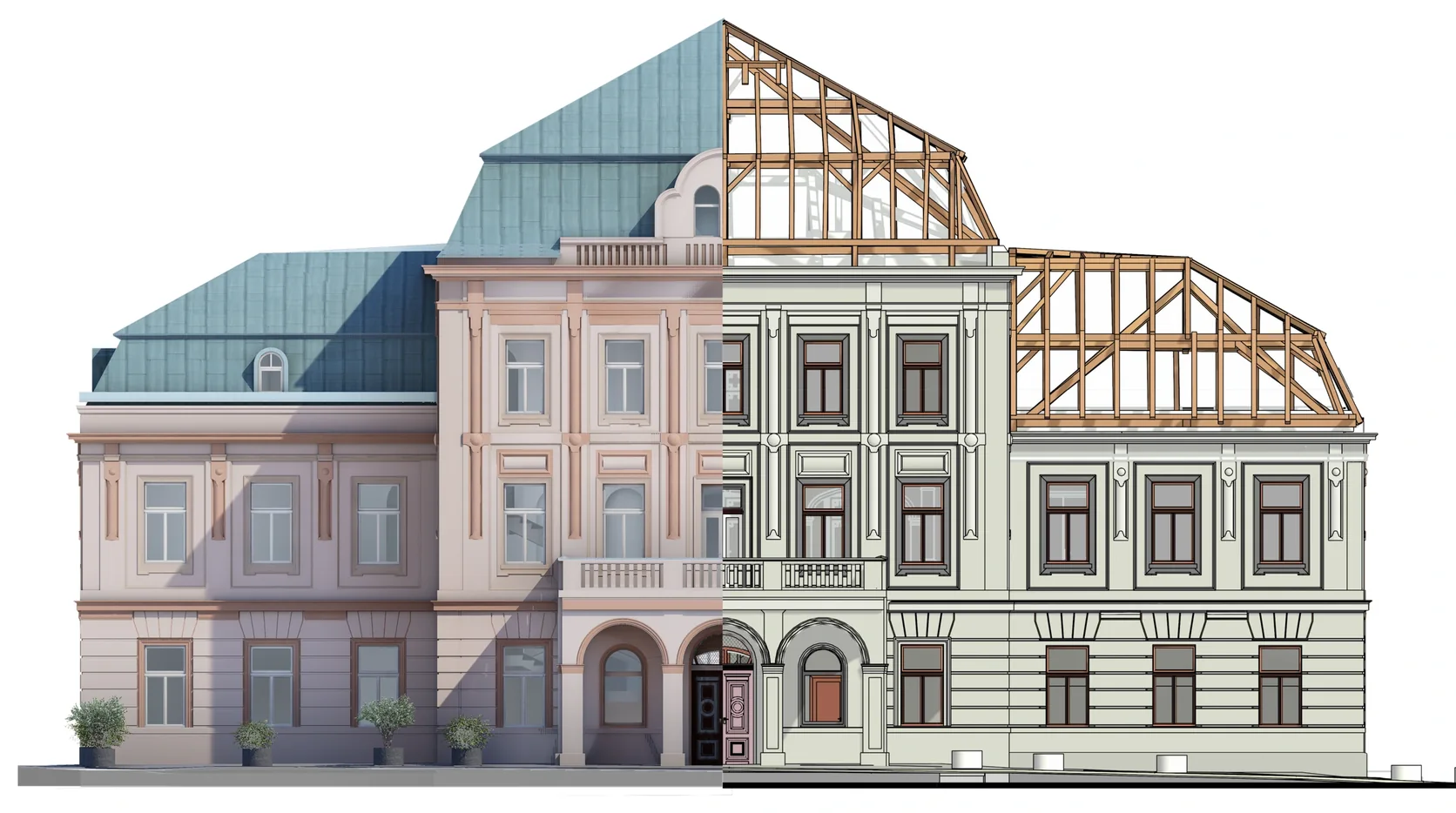
Scans from different positions are aligned, a process called registration. A modeler then uses that evidence to create the required building objects. The cloud is the measured reference; deciding what each object represents still needs interpretation.
What this looks like on a real task
Imagine an architect planning a new entrance in an older office. The available drawing shows a wide doorway, but a later alteration may have narrowed it. A suitable survey can record the opening and nearby walls. The model lets the architect review the new entrance against those existing dimensions.
The useful detail is the opening and its surroundings. Modeling every piece of furniture would add work without helping that decision. This is why the purpose of the model should guide its contents.
What the scan cannot settle
A scanner needs a view of a surface. It cannot tell you what is inside a closed wall or behind equipment that blocks the view. A modeled wall also does not prove its material layers, strength, or fire rating.
These limits should be easy to find. Missing areas may need another visit, an existing record, or a separate investigation. Unknown information should stay marked as unknown rather than becoming a convincing guess in the model.
The capture date matters too. If the building changes after scanning, the affected area may need an update before the model supports a new decision.
Starting a scan-to-BIM project with Geobiro
Geobiro creates architectural, structural, and building-services models from registered point clouds. You can supply scans from your own surveying team, along with your templates and model requirements. If new measurements are needed, the survey scope can be discussed before production.
Explain what you want to design or check. Then agree the areas and objects to model, file formats, coordinate information, and review stages. Geobiro can check the model against the supplied survey and identify incomplete or hidden areas for review.
Common questions
Do I need a model, or would drawings be enough?
If you mainly need floor plans or sections, measured drawings may suit the job. A model is useful when your team needs to work with the building in 3D or coordinate several types of work.
What should I send first?
Share any scans or drawings, the areas involved, your intended use, preferred software, and deadline. This gives Geobiro a basis for discussing a practical scope.
Further reading
This article was rewritten in October 2026 around the subject of the original Geobiro post. The original publication date is retained; the update date identifies the current text.